
In claude.ai you connect FlowSEO as a connector. You don't need a key, because sign-in goes through FlowConnect.
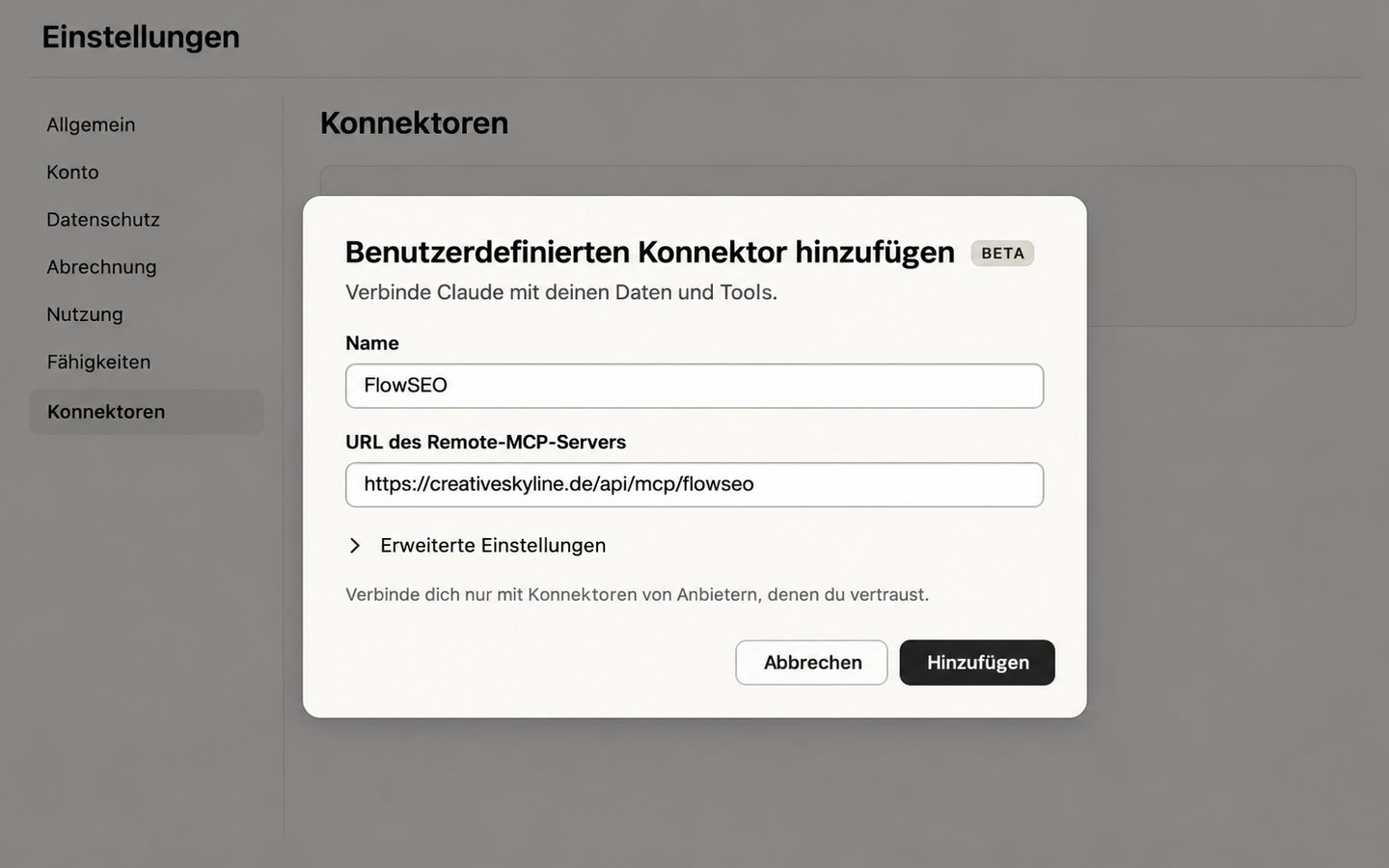
- In claude.ai, open the settings and then Connectors.
- Add a custom connector. Enter
FlowSEOas the name, for example, and this as the address:
https://mcp.flowconnect.one/flowseo
- You'll be redirected to sign in to FlowConnect. Sign in, choose your team and confirm the connection.
The connection then appears in FlowConnect under MCP keys as an OAuth connection. You can disconnect it there at any time.
Good to know
- A connection by sign-in always reaches all the domains in your team, see MCP keys for FlowSEO.
- Whether custom connectors are available depends on your Claude plan.
- According to its documentation, the client is MCP-compatible, but an actual run against our server is still pending. If a menu or file looks different for you, the client's current documentation applies.
For ideas on what to ask your agent, see Example prompts for your AI agent.